Across the security industry, people often talk about "monitoring" as if everyone means the same thing when they say it.
They don't.
Installers, end users and even people within the industry can have very different ideas of what a monitoring station actually does. Most of those ideas are incomplete. Some are simply wrong.
This article is based on a recent discussion from the Room Secured podcast that featured our very own Dan Murphy and covered monitoring stations, false alarms, police response and installer challenges.
Every monitoring station operates within its own accreditations, procedures and contractual terms, so specific practices may vary. What follows is a practical explanation of how monitoring really works - and why understanding it matters.
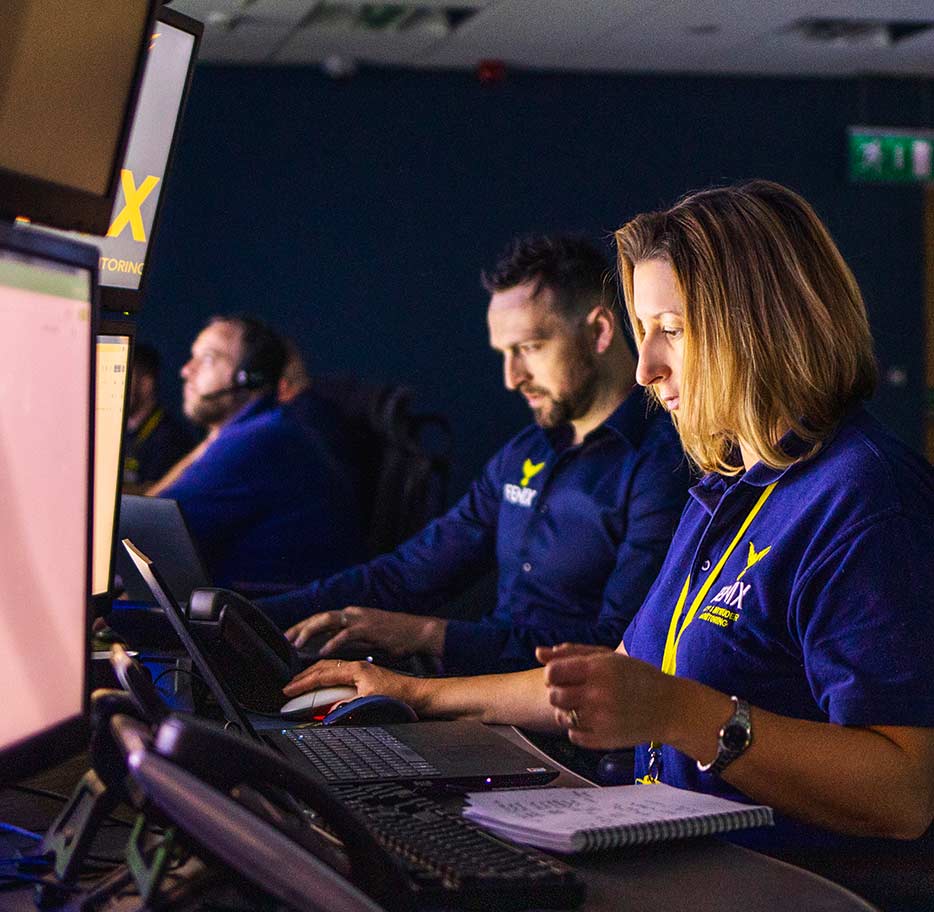
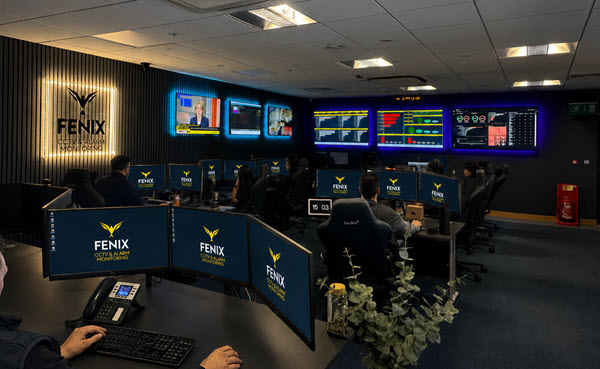
One of the most common assumptions about monitoring stations is that operators sit in front of walls of screens, watching live camera feeds all day.
That isn't how monitoring works.
Monitoring is event-driven, not observation-driven.
Think of it less like a security guard staring at a bank of screens, and more like a production line. A raw alarm arrives. It's analysed. It's actioned. The output is a call to a keyholder, a dispatch to police, a report to an installer. Then the next alarm arrives. The process repeats, hundreds or thousands of times a day.
Operators are not passively watching sites. They are responding to incoming events - alarms, triggers, signals - that arrive into a system and must be handled one at a time. Nothing happens unless something activates.
That difference alone explains a lot of the frustration and misunderstanding between installers, monitoring stations and end users.
A monitoring station receives many different types of events, including:
All of these arrive into an alarm queue.
Operators can only deal with one event at a time. While some alarms are prioritised - life safety or panic alarms, for example - many others sit in the same queue and are handled in order.
This matters, because response time is not just about how fast an operator works. It's about how much is already in the queue ahead of the incoming alarm.
Here's a number worth sitting with.
At Fenix, we currently process around 3,000 alarms a day. Four years ago, when our operations director Stephen joined, that figure was closer to 15,000 - with weekends peaking at 25,000 to 30,000.
In that same four years, our client base has grown.
More sites. More cameras. More systems under monitoring. And yet the daily alarm volume has dropped by more than 80%.
That sounds counter-intuitive, and it is - until you understand what's changed. The short version: we don't just process what reaches our operators. We work continuously to reduce the noise before it gets to them in the first place.
The full explanation deserves its own article, and we'll cover it shortly. But the number matters here because it illustrates what alarm queue management actually looks like when it's treated as a discipline rather than an afterthought. Fewer alarms in the queue means faster response to the alarms that genuinely matter.
False alarms are one of the most under-discussed realities of monitoring.
They aren't just caused by the environment - branches, rain, reflections, animals. In practice, a very high percentage of activations are caused by people who are supposed to be on site: arriving early or late, not following schedules, forgetting to disarm the system, using it in ways it wasn't designed for.
Even when an operator can quickly identify that an alarm is false, it still takes time to confirm, document and process it. That time adds up.
But there's a more important conversation about false alarms - one that rarely gets had.
Consider a site with four cameras. Three of them have been generating persistent false alarms. The easiest fix is to isolate those cameras: take them out of service, reduce the noise, hit your false alarm targets. Problem solved - on paper.
Except now you might have one camera doing the work of four. A genuine intruder enters the site and moves under the three isolated cameras. The one active camera catches a glimpse - maybe a figure in a corner, partially in frame. The operator challenges. But without the other three cameras, there's no full picture. No confirmation. The police threshold isn't met.
You had all the pieces of the jigsaw. You chose to put three of them in a drawer.
At Fenix, we don't switch cameras off to manage our false alarm numbers. We're a monitoring station, not a switching-off station. We'd rather keep every camera active and work harder to filter the noise - because the point of the system is to catch what's real, not to make the statistics look cleaner.
Good monitoring performance starts long before an alarm reaches the control room. System design, commissioning, zoning, detection choices - all of it directly affects what operators see and how efficiently they can respond.
But there's a version of the installer relationship that's about more than technical setup. It's about what happens when something goes wrong.
Picture this.
It's 8am on a Tuesday. An installer's phone rings. It's their client - a business owner who arrived at site to find signs of a break-in overnight. She's furious. She wants answers. She wants to know what happened, what time it happened, what the monitoring station did about it... and why nobody called her.
The installer has two possible mornings.
In the first one, they have nothing. No report. No footage. No timestamp. They're standing in a car park with an angry client, saying I'll have to call the ARC and find out - exactly the moment the client's patience runs out.
In the second one, the incident report was already sitting in the installer's inbox before they woke up. Timestamped. A brief of every action taken. A snapshot image of the most relevant moment. When the call comes in, the installer already knows what happened, how it was escalated, and what was done. The conversation changes completely - because you're not scrambling to piece together a picture. The picture is already there.
At Fenix, the incident report goes out as soon as the incident is processed - as part of the workflow, not after a chase. Your portal gives you access to calls, footage and action logs at any time, without needing to request them. When things go right, it runs quietly in the background. When things go wrong, it means the installer and the ARC are already on the same page - and the conversation is about resolution, not blame.
There are ARCs that are partners in name. And ARCs that are partners in practice. The difference shows up at 8am on a Tuesday.
Good monitoring isn't flashy.
It looks like clean, meaningful signals. Systems designed with monitoring in mind. Realistic schedules and clear communication between installer, end user and monitoring station.
Most importantly, it looks like fewer unnecessary activations - so that when something does happen, it gets the full attention it deserves.
As Carl, Fenix's CEO, puts it:
"We're not in the arresting business. We're in the stopping crime business."
The distinction matters. Monitoring done well isn't about reacting to what happened after the fact. It's about making sure that when something real occurs, it's caught - completely, quickly, and with enough information that everyone in the chain can do their job.
So now you know the answer to that question: what does a monitoring station do. And it's why the gap between a station that understands this and one that doesn't is larger than most people realise.
Want to find out more about how recurring revenue from monitoring can help your installation company earn regular income? Get in touch!